
Features
IDE features
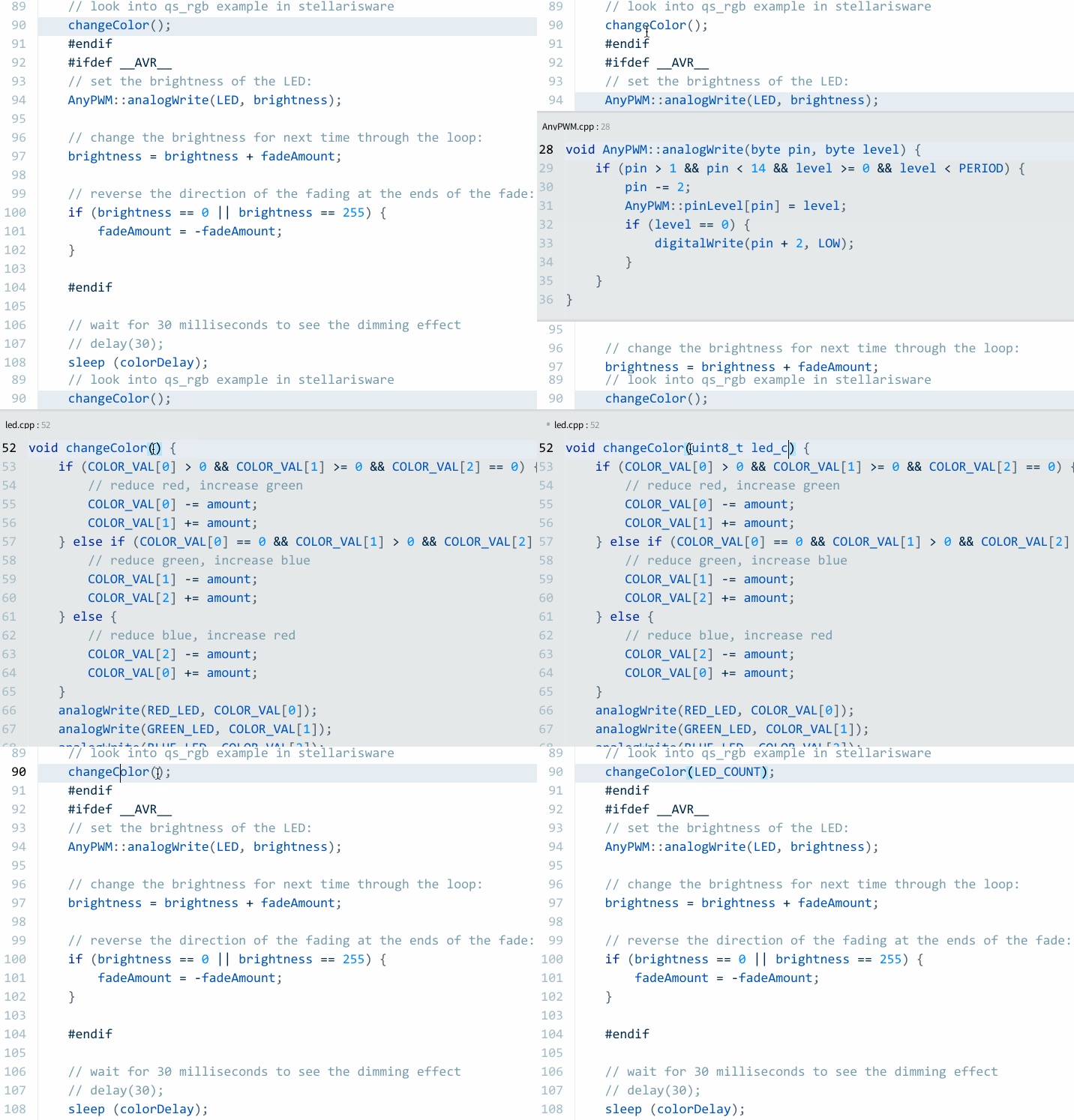
Inline editor at cursor position — use Control+E (⌘+E on Mac)
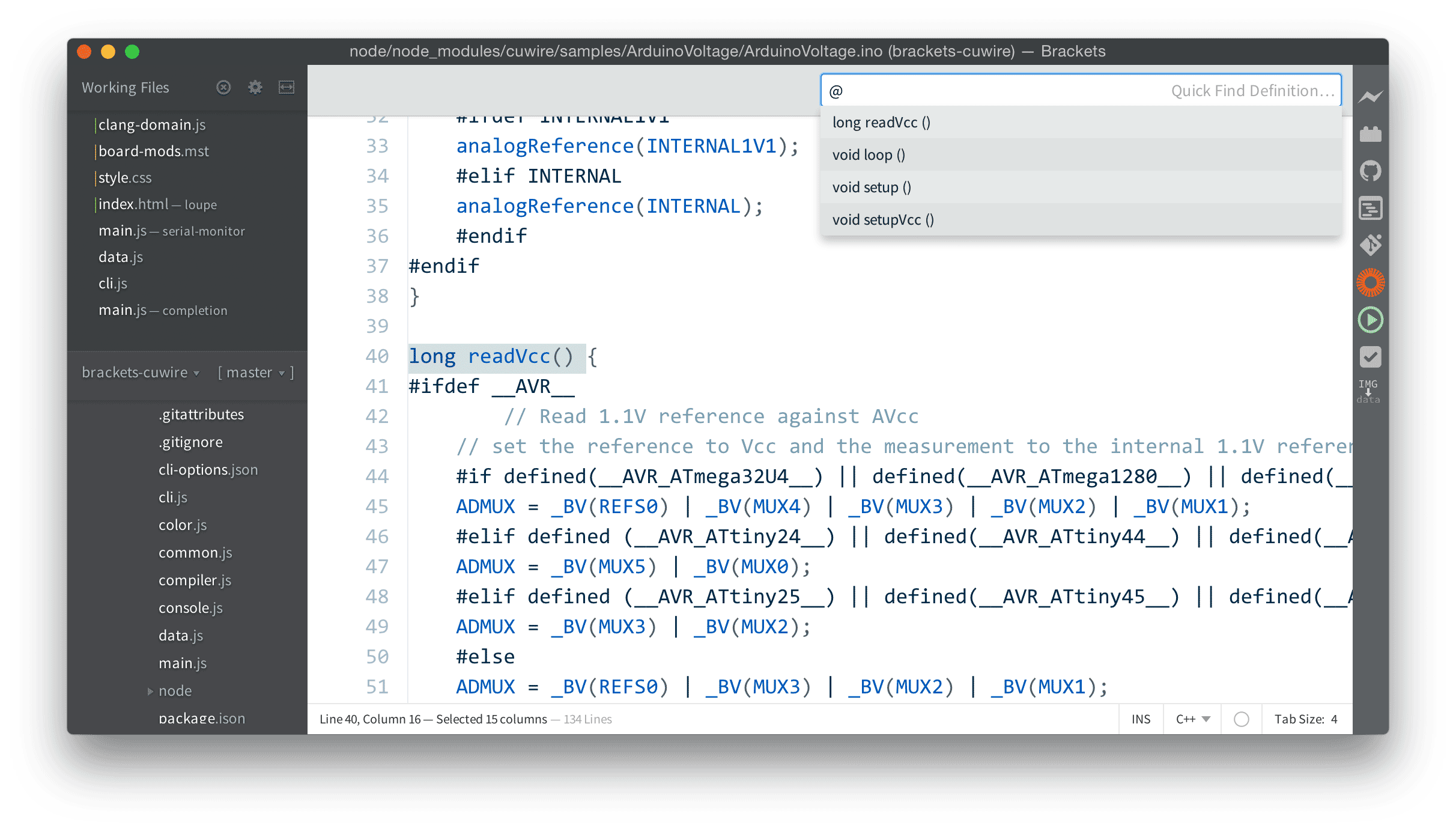
Symbol navigation for current file
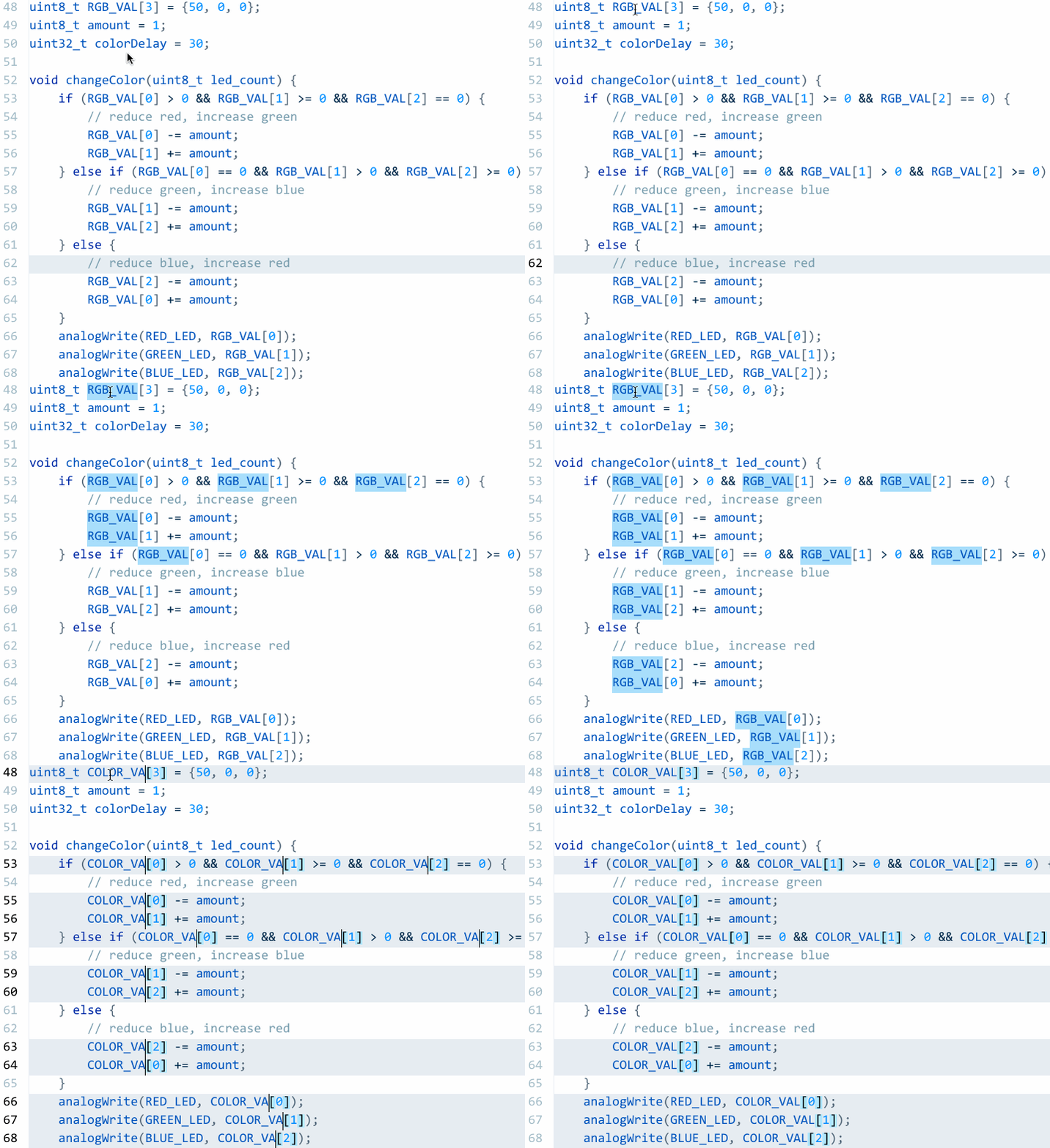
Multiple cursors — use Control+B (⌘+B on Mac)
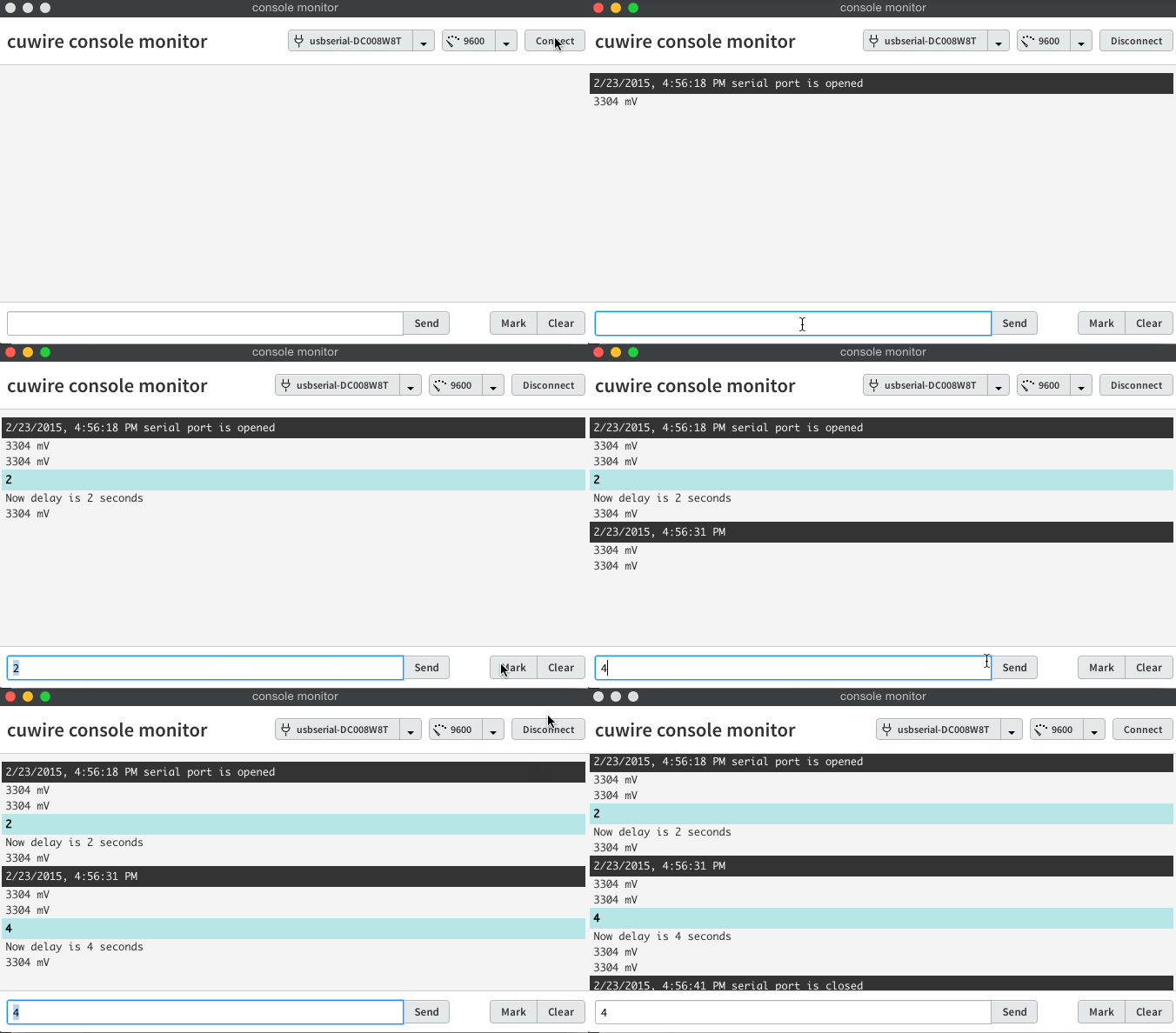
Serial port monitor
Click on a button with serial port name to open the serial monitor.
Serial port shows board name along with port name if board connected.
On upload .ino file parsed and scanned for baudrate. When you open serial monitor,
correct baudrate will be set.
Board images
Board image and settings menu is available when you click on a board name.
Arduino project support
- Code build process
- [WIP] Create new sketch from example
- [WIP] Create empty sketch
- Compilation and Upload
- Multiple sketches in one project
- You can set non standard Arduino IDE location via preferences
You’ll get a gialog with sketch selection if you have more than one sketch in current project. If you’re editing file within sketch folder, this sketch will be automatically selected when compile or upload
TODO
Examples
Searchable examples
Libraries
Search and add libraries without IDE reload
IDE features
Code completion, compilation errors highlight in code